
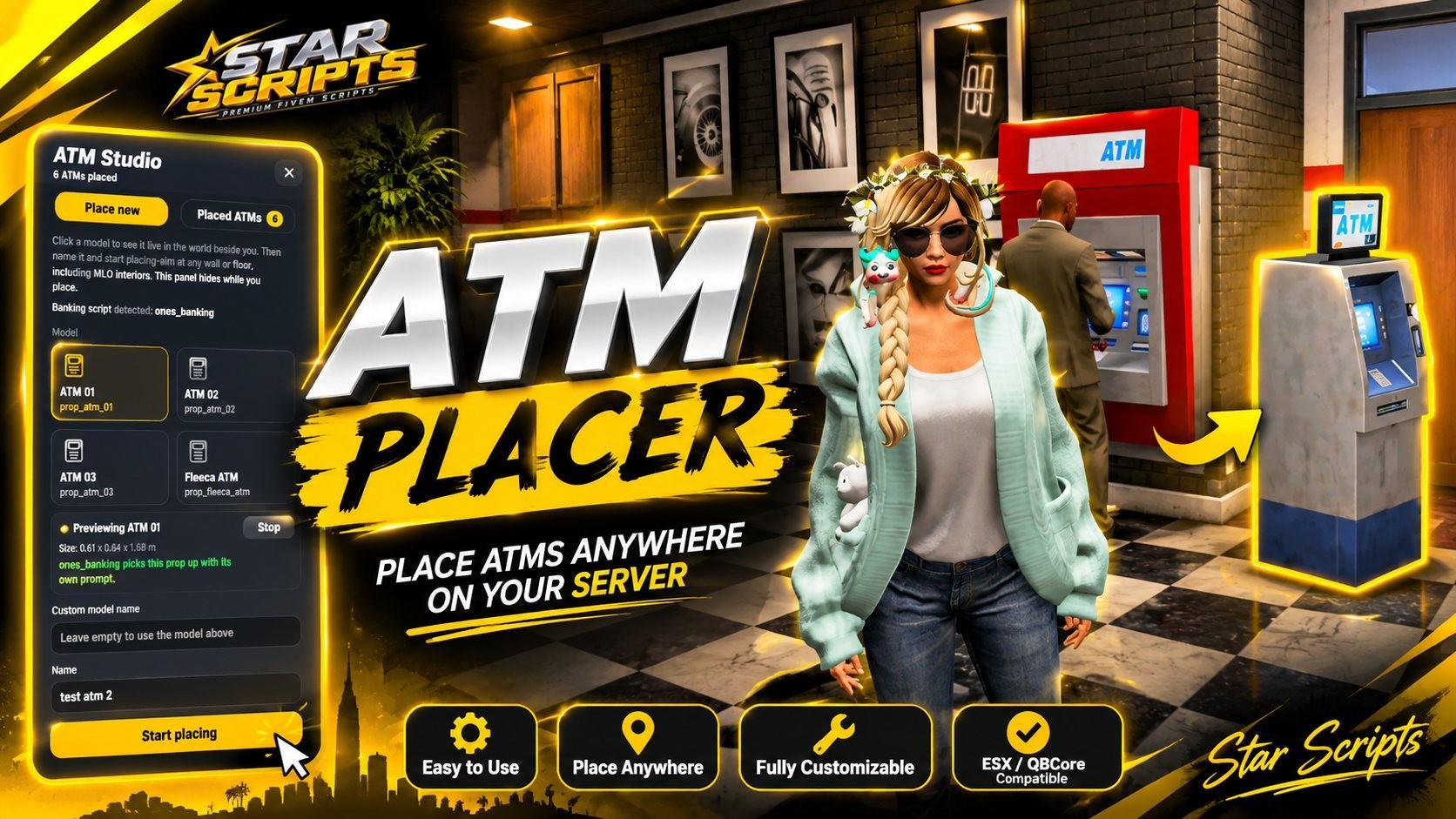
ATM Placer
Framework Support
 QBCore
 ESXStandalone
Discord Verification *
Package Details & Documentation
ATM Studio lets admins place, move, edit and remove ATM props anywhere on the map, including inside MLO interiors, without editing any files or restarting the server. You aim at a surface in game, adjust the prop live, and confirm. Everything is saved automatically and synced to all players.
Features
Admin editor
Modern dark side panel with a Place new tab and a Placed ATMs tab.
Opens with /atmadmin (command name is configurable).
Admin check by ACE permission, ESX groups or QBCore permissions.
Placement
Aim at any wall or floor, including MLO interiors.
Translucent ghost prop with an amber outline follows your aim.
Live X, Y, Z and heading readout on a bottom HUD.
Auto-aligns to walls, with a toggle (G) to turn that off.
Fine tuning: rotate (scroll, Q, E), height (↑ ↓), side (← →), depth (Z, X), flip 180° (F), and Shift for fine steps.
Confirm with Enter or left click, cancel with Backspace or right click.
Live preview
Click a model and a rotating copy appears in the world beside you, on a lit amber ring.
Shows the model’s size and whether your banking script will pick it up.
Works for the built-in models and for any custom model name you type.
Management
Search placed ATMs by name, model or coordinates.
Teleport to an ATM, move it in the world, edit its name, model, coordinates and heading, or delete it (with a confirmation step).
Banking compatibility
Detects your banking script automatically and shows its name in the editor.
No duplicate prompts or targets from this script.
Includes an invisible collision helper for ATM models that have no collision when spawned, so banking scripts can still find them. It is configurable and can be switched off.
Technical
Standalone: no database. ATMs are stored in data/atms.json.
Instant sync to all players. Props are spawned locally within a set distance for performance.
The server checks permissions and validates model names, coordinates and labels on every save and delete.
/atmdebug prints diagnostics for the nearest ATMs to the F8 console.
Requirements and notes
Works standalone. ESX and QBCore are optional and only used for admin checks.
Custom ATM models only work if your banking script’s own ATM model list includes them.
This script has not been fully tested on a live server. Check it on a test server first, and run /atmdebug near an ATM that isn’t detected.